Turn Your Photo Into a Hand-painted Oil Portrait
In a world where AI, digital images and prints are easier to create than ever, we believe there is still something irreplaceable about the human touch.
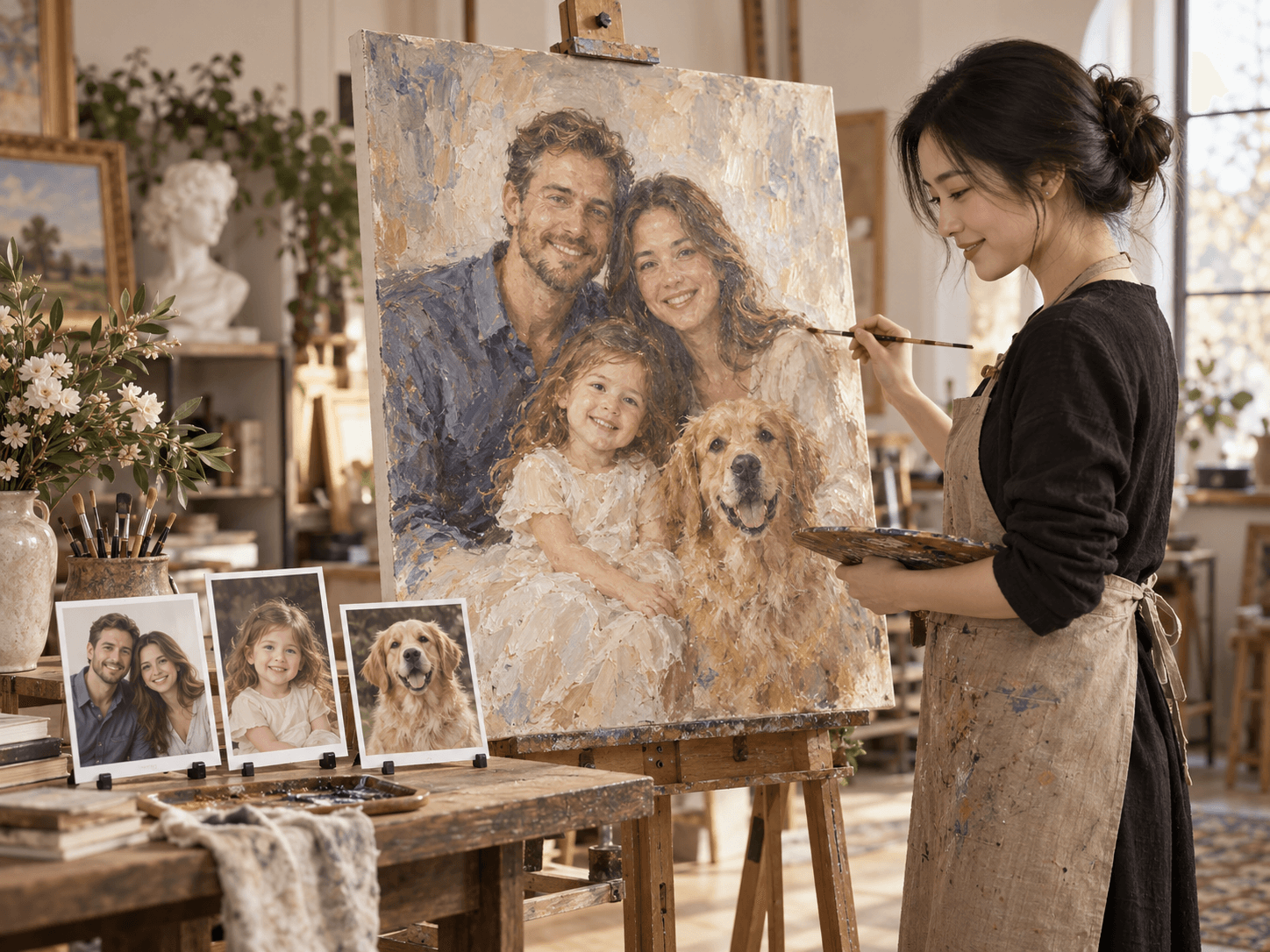
At Mavelle Art, every portrait is painted by a real artist, stroke by stroke, using traditional oil-painting techniques to create something personal, tactile and truly one of a kind. Whether you are looking for a meaningful gift or a timeless way to preserve precious memories, we transform your favourite photographs into hand-painted oil portraits in the style and size you choose. We can simplify busy backgrounds, combine elements from different photographs, or even bring loved ones together in one composition.
The result is more than a picture — it is a personal work of art, created by hand and made to be treasured for generations.